Anydesk
AnyDesk, a fast remote access to computers

Safe & Secure

FileZilla is a free and open-source File Transfer Protocol (FTP) client, allowing users to transfer and download files between their local device and hosting accounts. It works under the terms of the General Public License and is compatible with both 32-bit and 64-bit operating systems, so you can reliably use it with Windows, macOS, and Linux operating systems.
It is simple to use and offers multiple features, enabling users to control the transfer speed and manage even compressed files. It offers free services; however, a Pro version is also available if you are interest to get more features.
FileZilla was developed by Tim Kosse and two other classmates, and was published in 2001 under the General Public License (GPL) as a computer science class project. It is free, open-source, and cross-platform, and is a combination of FileZilla Client and FileZilla Server.
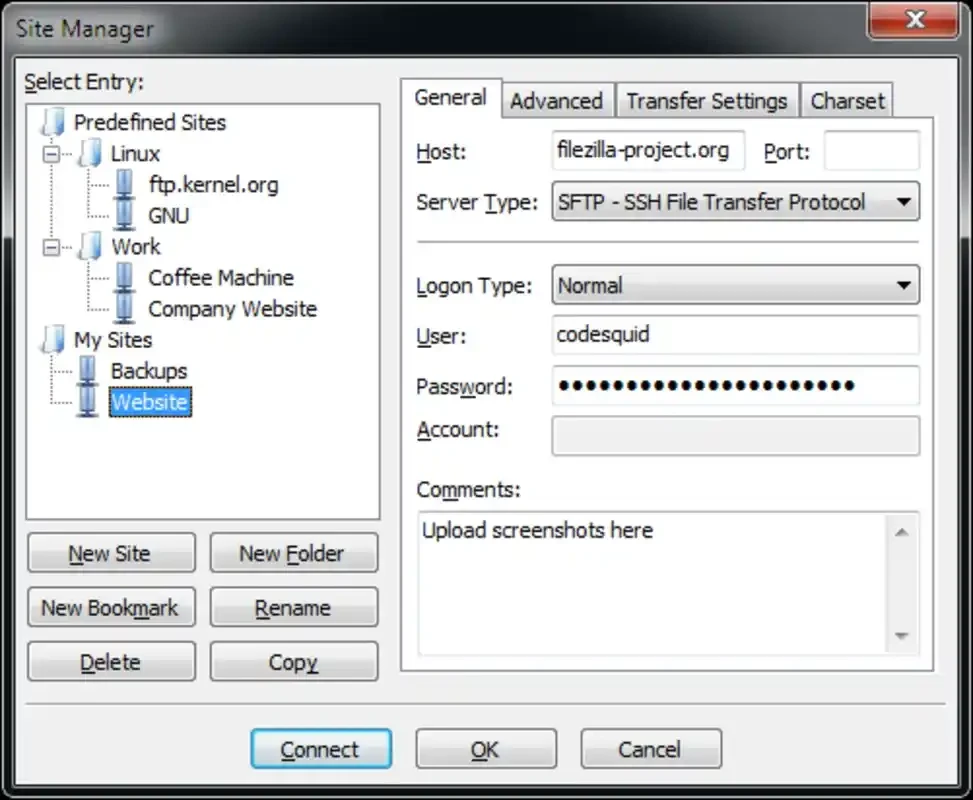
The innovative tool offers awesome support for multiple protocols such as FTP, FTPS (FTP over SSL/TLS), and SFTP (SSH File Transfer Protocol). So, you can use drag-&-drop functionality or the built-in file manager to transfer files after connecting the servers.
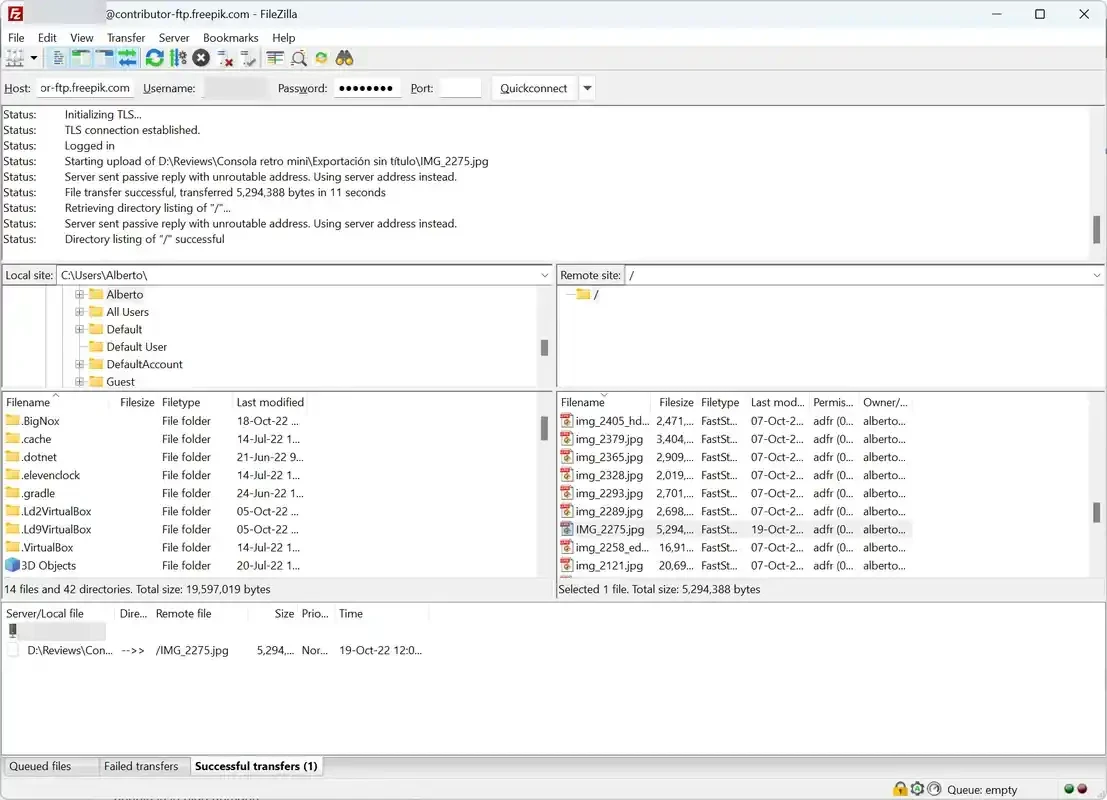
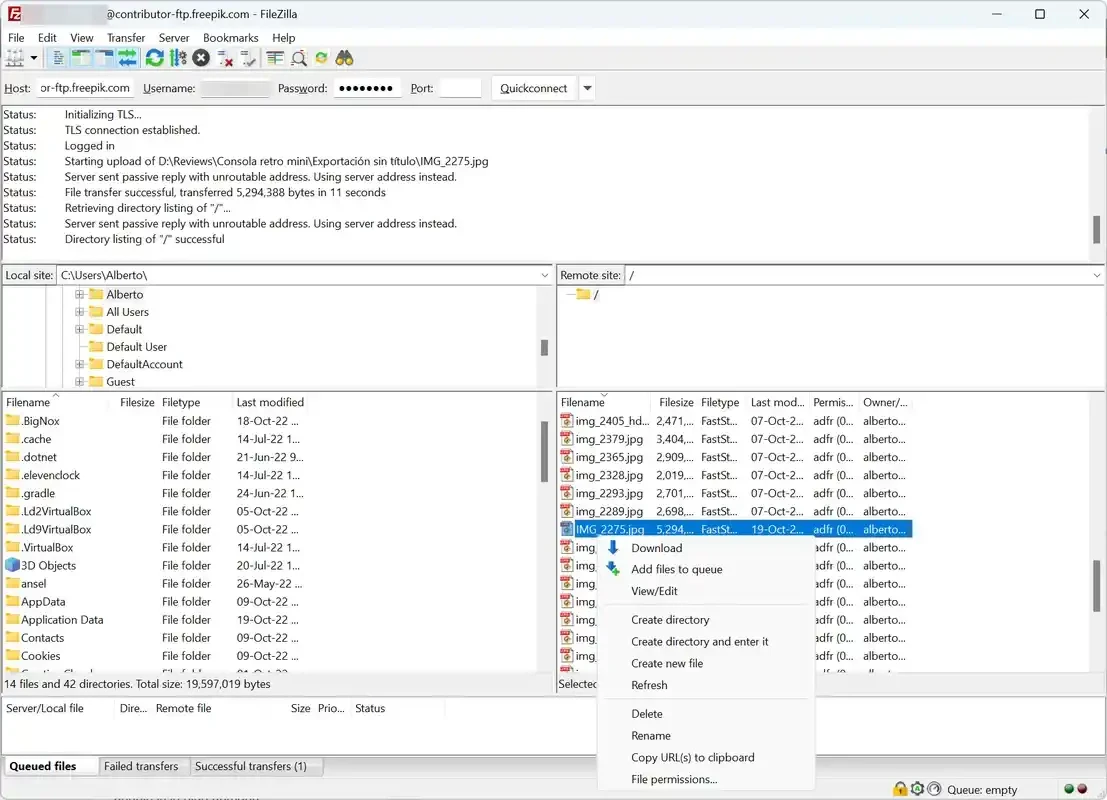
The interface looks overwhelming, as it has tons of features. On launching, you will find two separate windows; one is the local folder, and the other is the destination server. It makes it possible to keep the moving files on track within a multiple-window interface, as sending the files from the local folder and view them arriving at a remote location.
A wide pane is also available to check the waiting time and list of remaining tasks as well. So, you can easily manage everything in case of a connection, and restart from where you left off after the connection reestablishes. A simple menu bar is there to put all uploads and downloads at your fingertips. You can also customize the toolbar, menus, and keyboard shortcuts according to your preferences.
It helps to manage the usage of bandwidth, specifically for the Internet connection with limited bandwidth; you can set a speed limit on all your uploads. In this way, you can limit the speed while uploading a file to the FTP server, continuing with other important projects that run over the Internet.
It is another significant feature that helps to avoid manually entering port details and other personal information after opening a host site. You need only to open the host site, enter all information, including port details, username, password, and so on, and click on the QuickConnect button. It will make your access to any site quick and smooth, as all the details will be entered automatically.
The app is one of the most powerful FTP clients with an easy-to-use and highly customizable interface, offering awesome file upload and transfer between a local computer and remote server. Beyond basic features, it also provides multiple advanced functionalities, including resuming interrupted transfers, differentiate between local and remote files, set transfer speed limit, and so on. It also enables you to troubleshoot any issue while offering detailed information about file transfer progress and logs.
You are capable of using the app for free, as it offers a free version that includes all basic functionality, allowing you to complete multiple sessions such as FTP, SFTP, and even FTP over TLS. However, you can purchase the subscription plan to access the pro version and reliably use other protocols that are missing in the free version, but necessary for advanced users as well.
It is one of the core features that requires a strong internet connection and allows users to pick up aborted uploads and downloads. In addition, the “Keep Alive” feature is also a helpful functionality that is used for retaining links, even if the server is busy. Use SSL for the security of all of your connections, and use the uploads and downloads panel from the primary window for managing all your files queued for transfer.
It works like other file sharing programs, working as a server to upload the documents, and allowing the person on the other side access to a streamlined development process. Keep in mind, the mind-blowing feature is available only for Windows users. It makes it possible to exchange large volumes of data from local folders to remote servers.
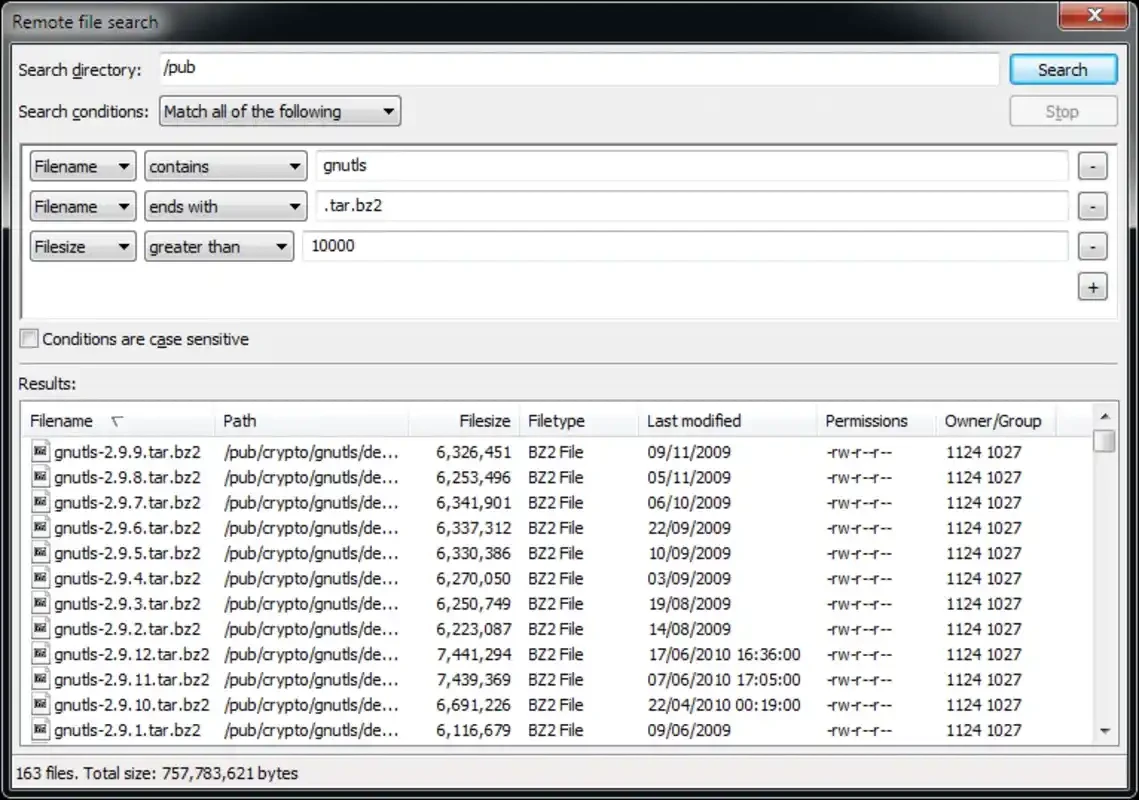
It also allows users to search remote files and even edit them before starting the transfer process. It also allows an anonymous transfer process, connecting your FTP via VPN. You can transfer very large files up to 4GB with resume capability, fixing Internet connection downtimes and any other unforeseen issues.
Pros
Cons

AnyDesk, a fast remote access to computers

Accelerated Downloading with Internet Download Manager (IDM)

SHAREit for PC is the best option for a P2P file-sharing process without using Wi-Fi.

ShareMe for PC, a freeware and streamlined file-sharing app

uTorrent, a powerful, lightweight, and fastest P2P file-sharing software

Xender for PC, an effective and convenient file transfer utility